If the Group Sign In/Out Feature has been activated on your system, you can follow the steps below to create a Group and add People to the Group.
This guide is for Group Sign In/Out, if you want to add people to Notification Groups, please follow the instructions under "Add People to Group" further below. Notification Groups have to be created and added by VisTab Staff.
Create a Group
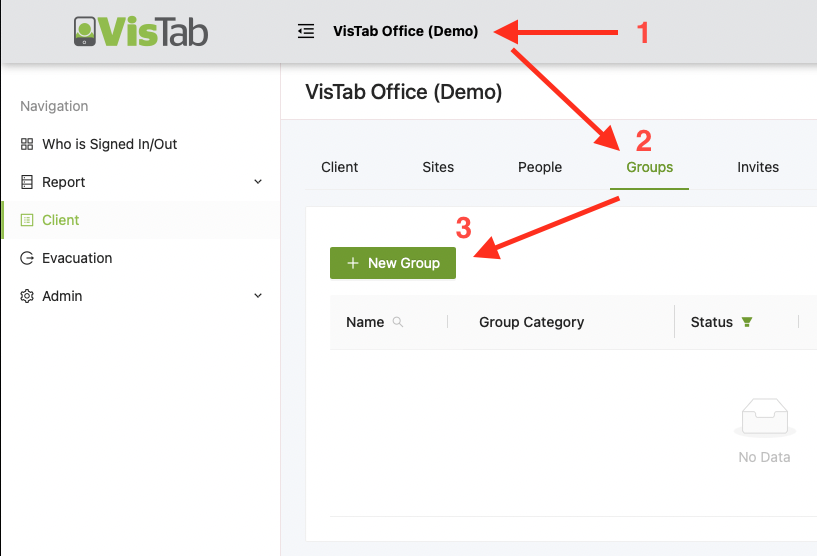
- Select your Organisation's Name at the top.
- Select Groups
- Select + New Group
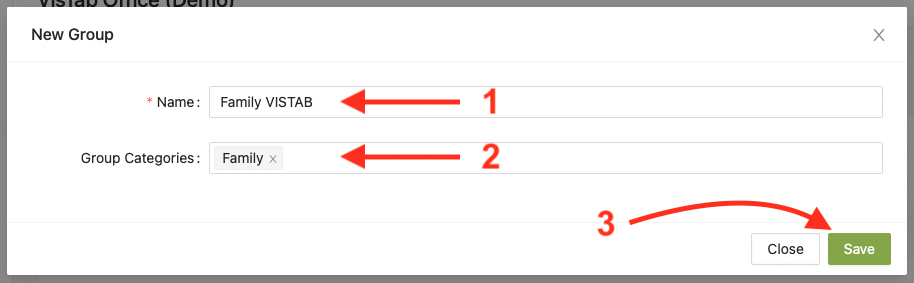
- Give your Group a Name
- Select an appropriate Category e.g. Family
- Select Save
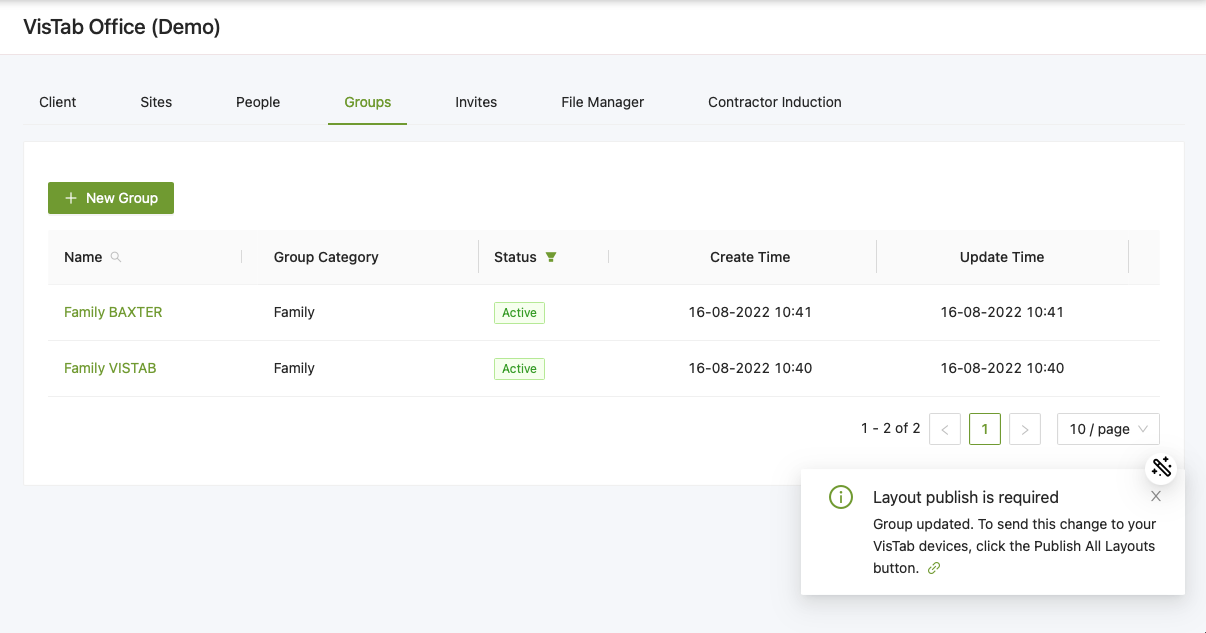
There will be a message stating Layout publish is required which you can ignore until you have made all of the necessary changes.
Add People to Group
- Select existing Group
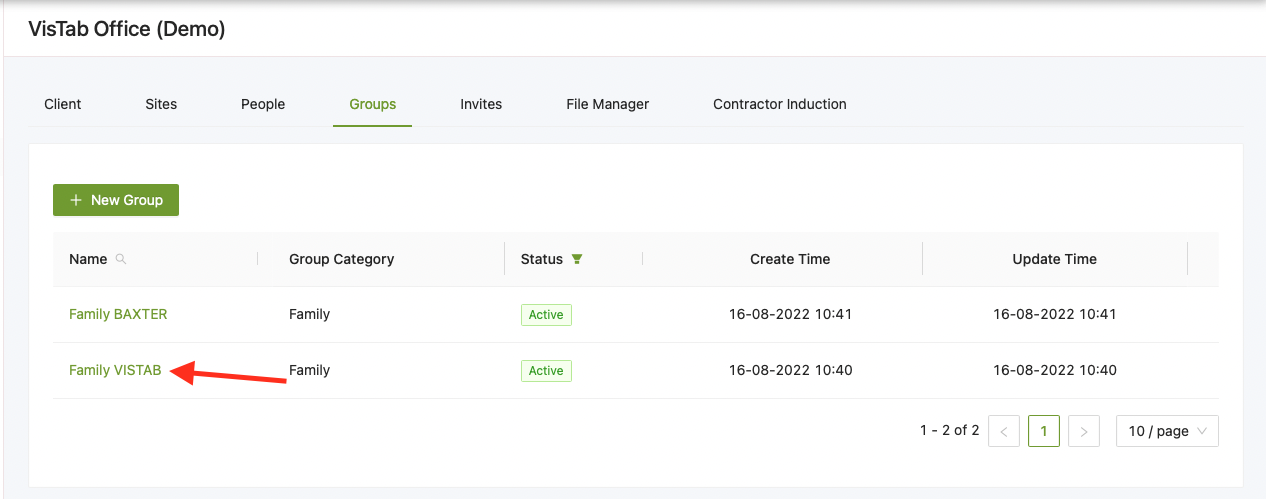
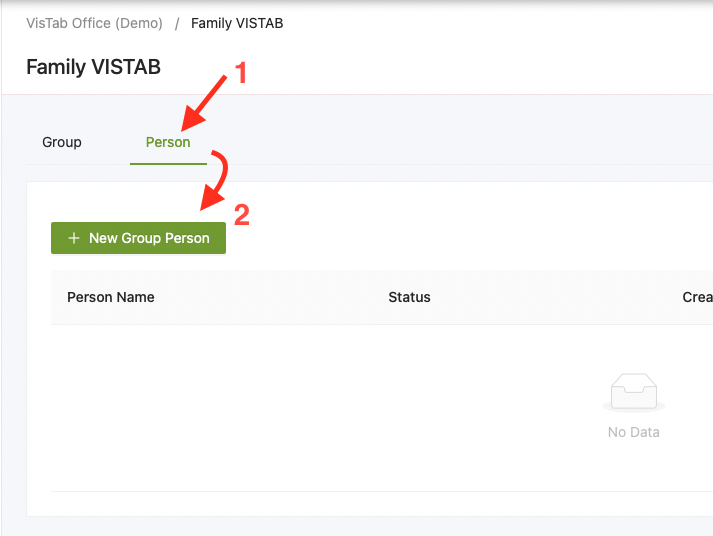
- Select Person
- Select + New Group Person
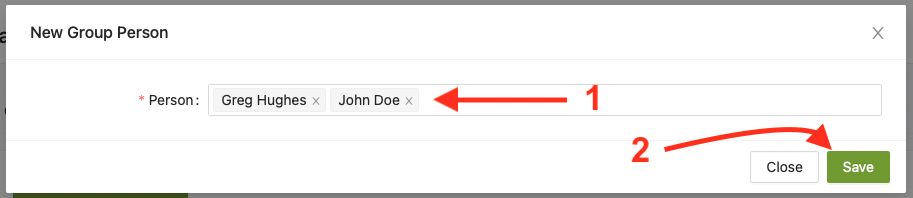
- Type in the name of the person you would like to add, make sure they are already in your system otherwise follow our guide here first > Add a Person
- Select Save
Publish Layout
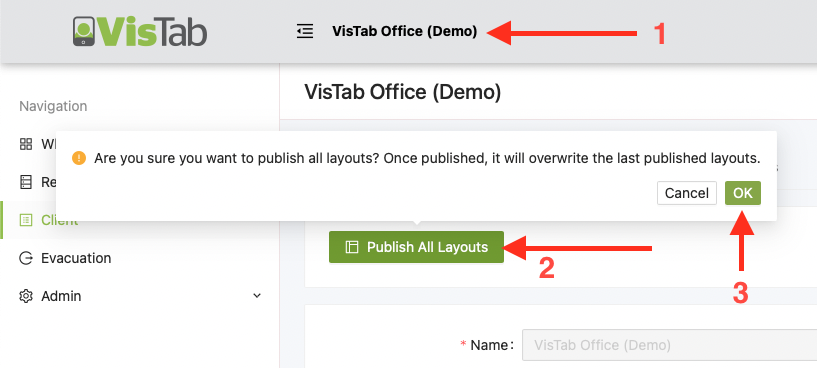
- Select your Organisation's Name at the top
- Select Publish All Layouts
- Select OK to confirm
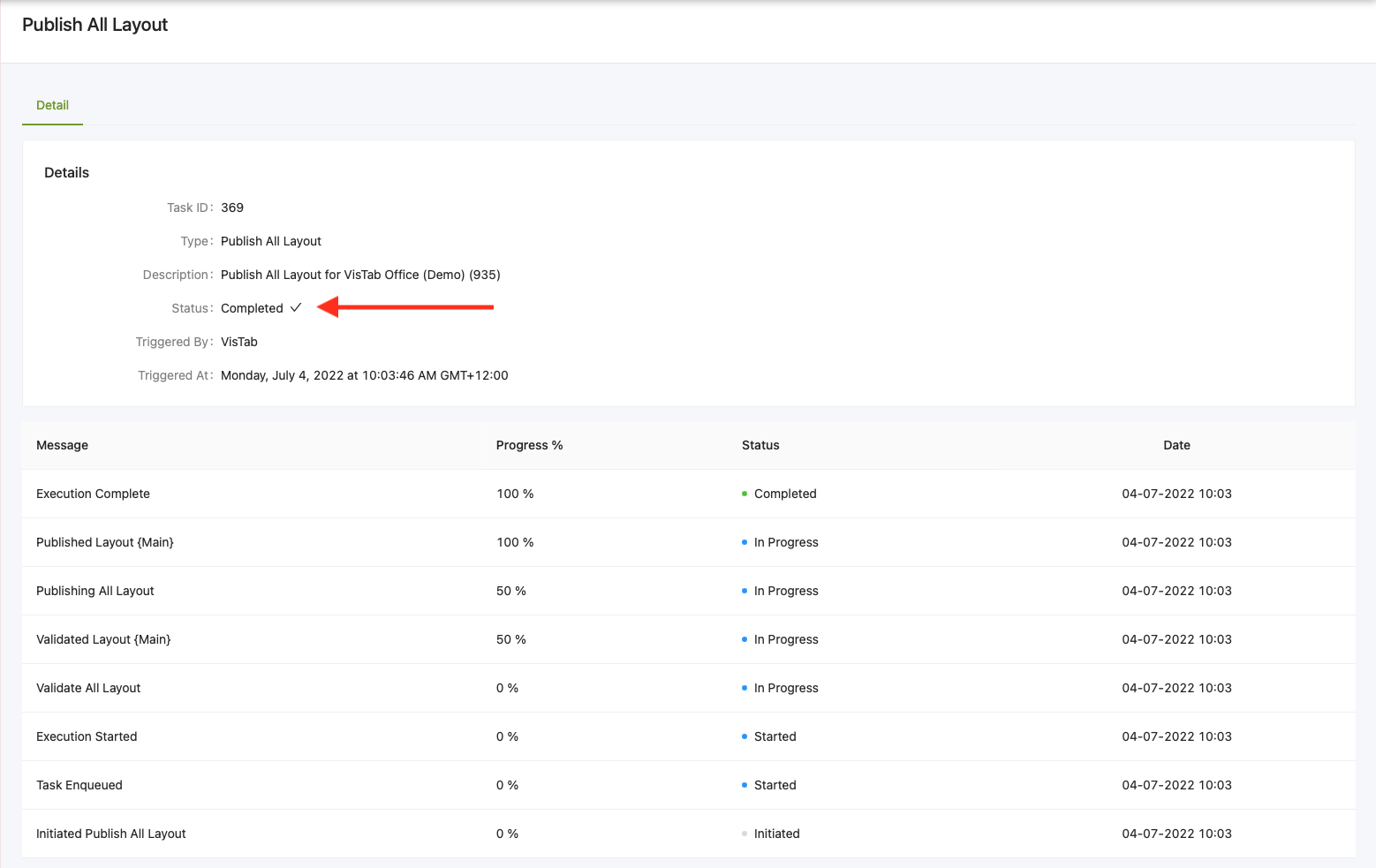
- Once the changes have been published, the Status will change to Completed