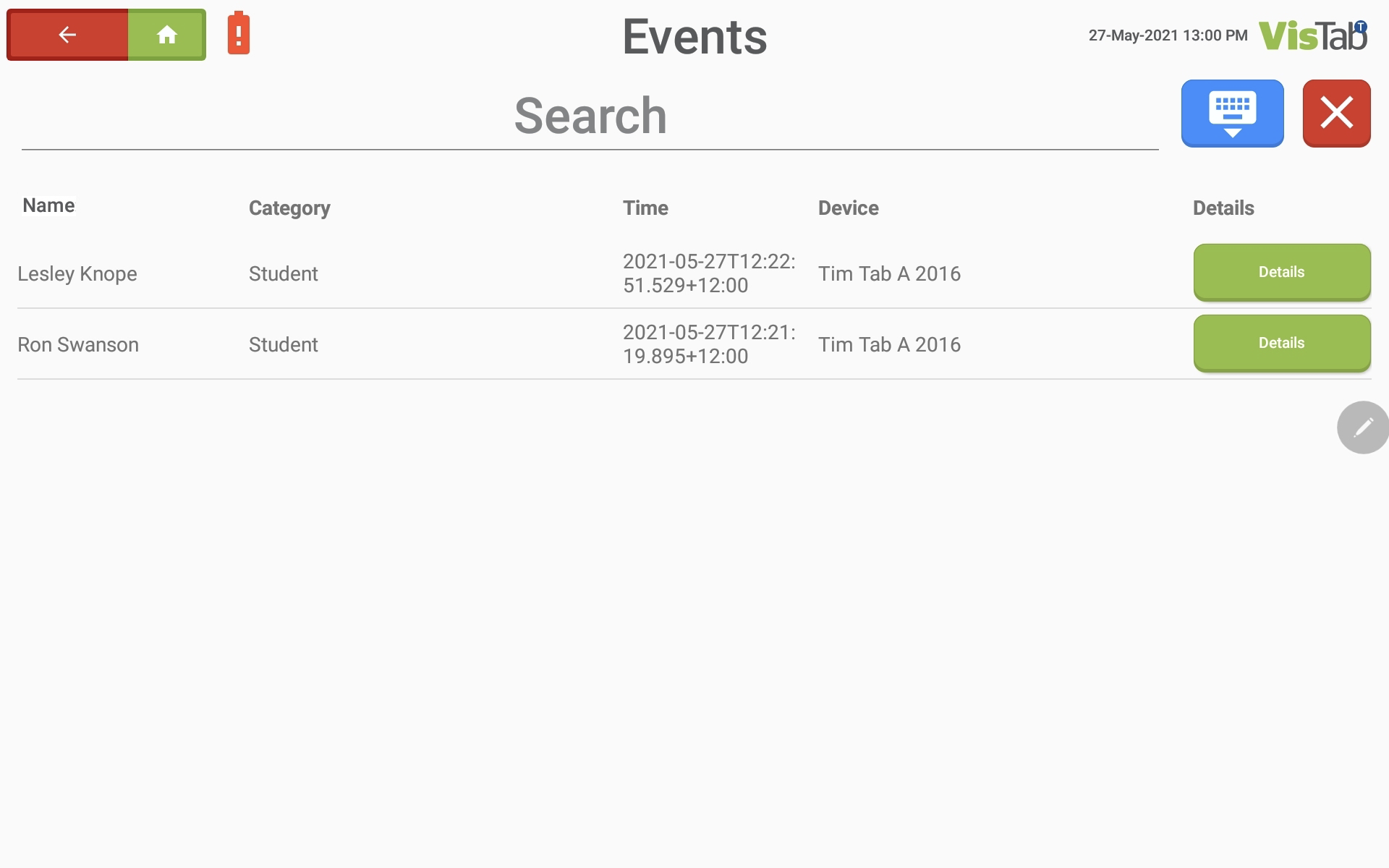
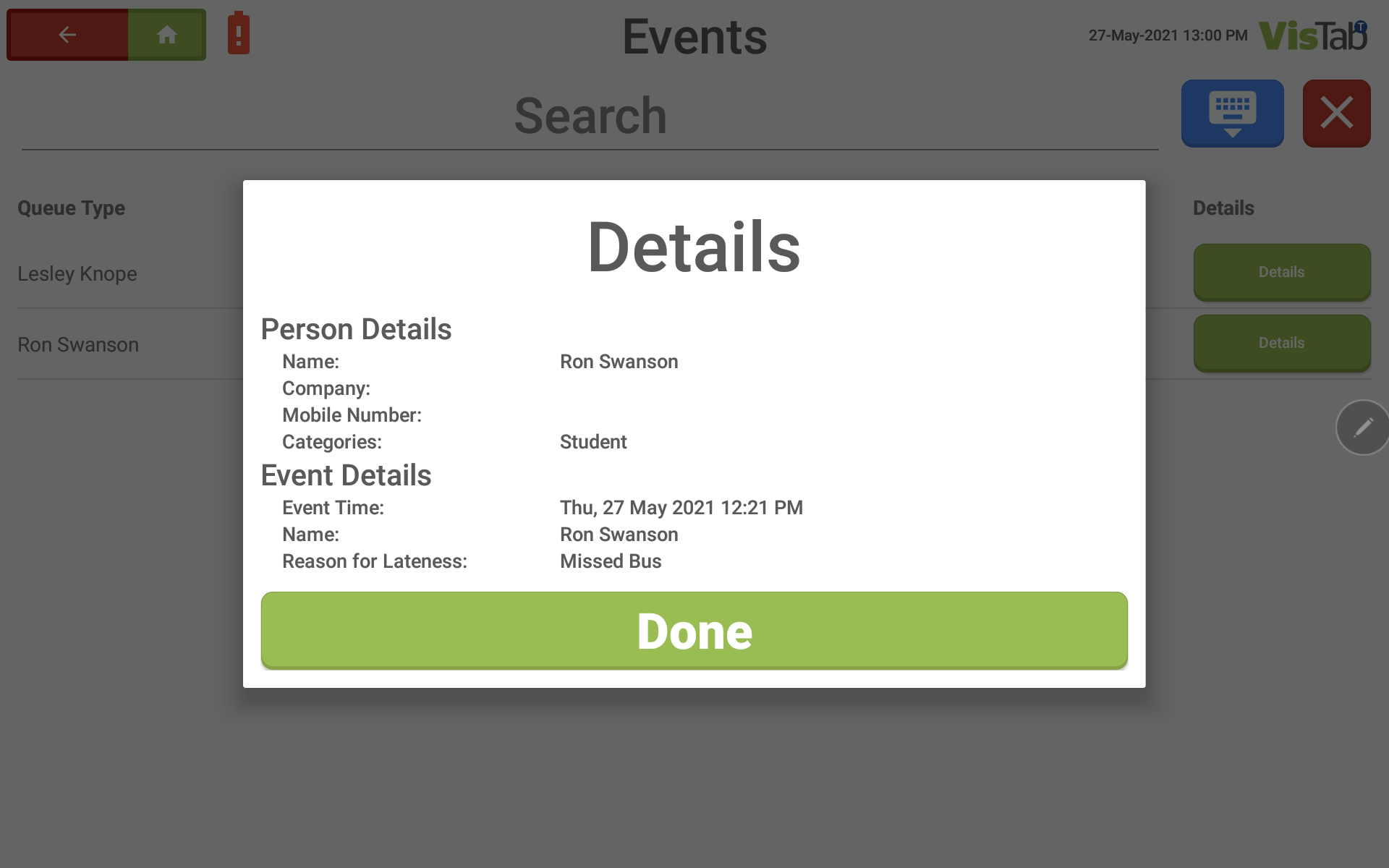
The events feature can display a list of students that signed in as “Late” with the reason they gave.
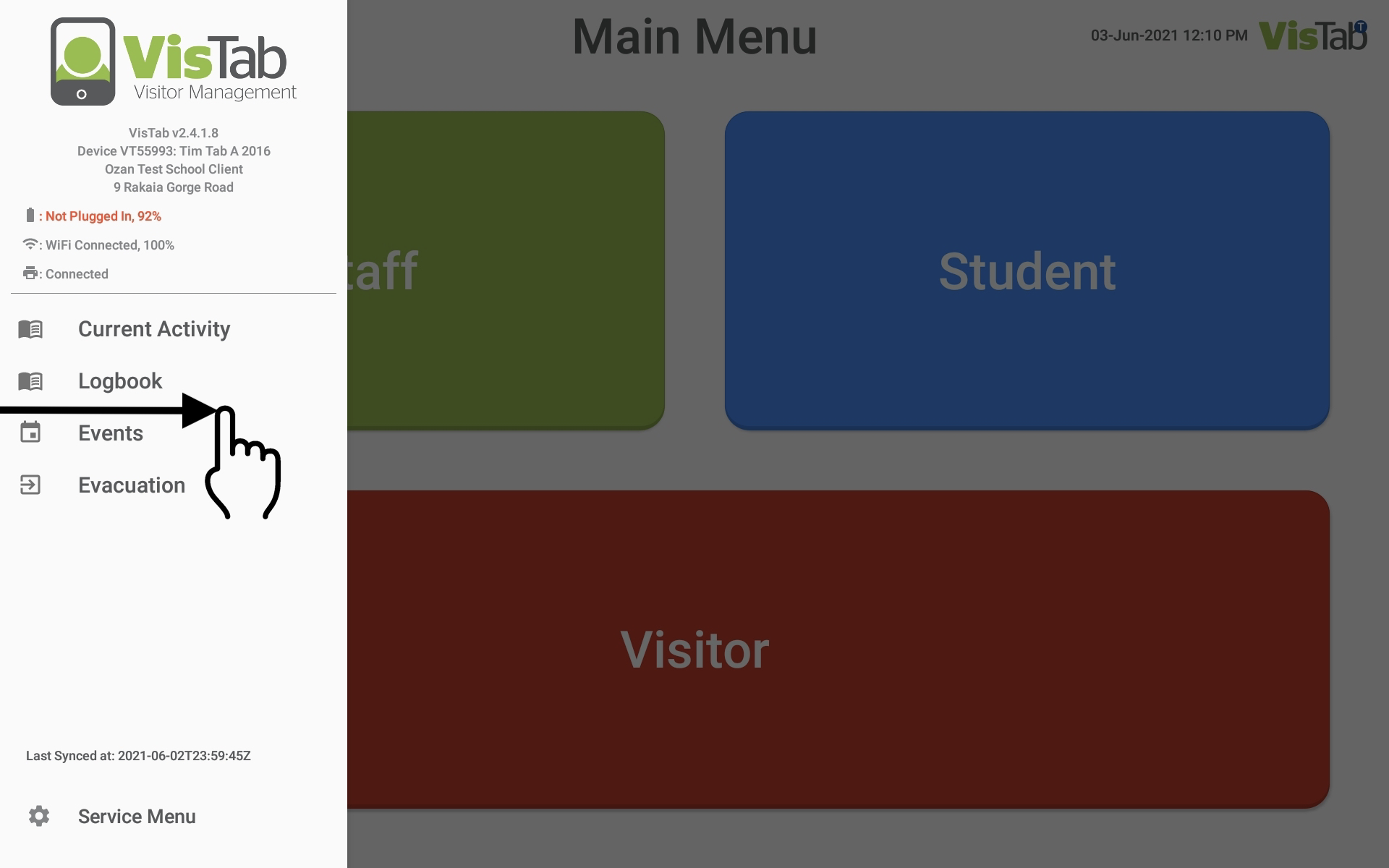
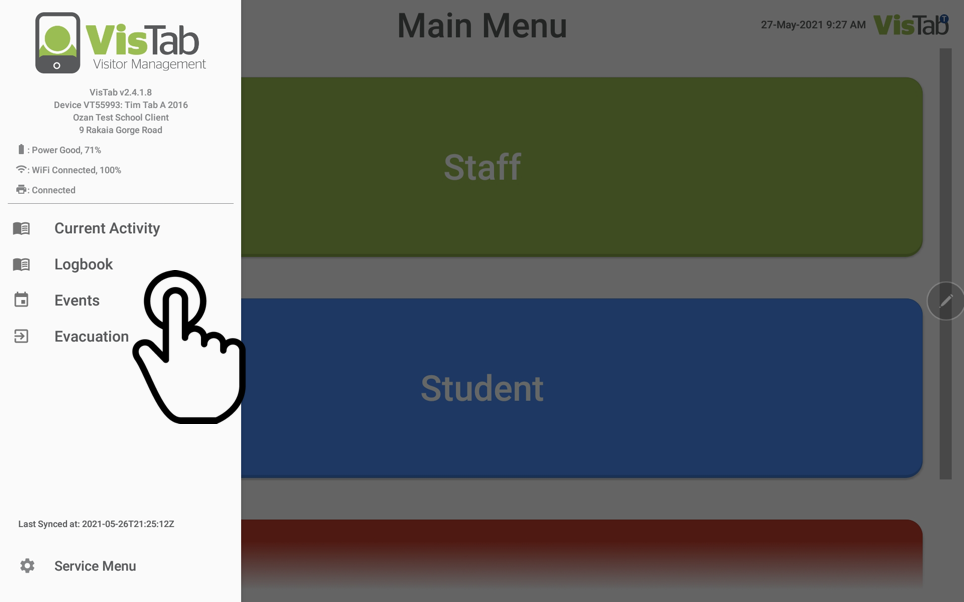
Swipe right from the left edge of the screen and a menu will pop out. Tap on Events.
You can now view the Events. You can change the order of this list by tapping on any of the five column headers (Name, Category, Time and Device). You can also search for a specific person by typing in the search box at the top of the screen where it says Search. You can tap on Details to get more Information regarding the person’s event details.