You can find more information about Roles and Site Limits here Roles & Site Limits
Go to app.vistab.co.nz
- Log in to the Web Portal
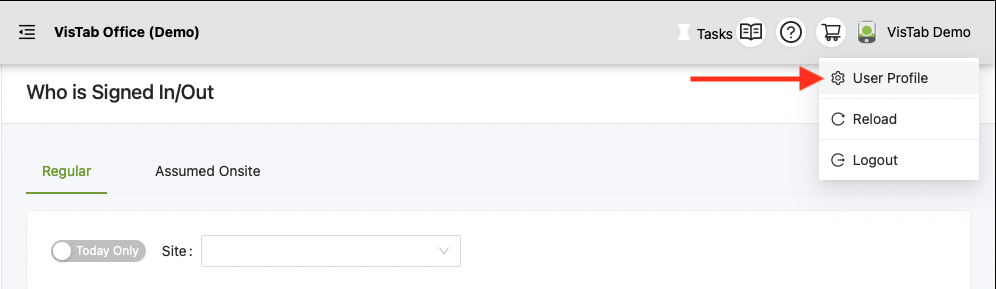
- Hover over your name in the top right corner
- Select User Profile
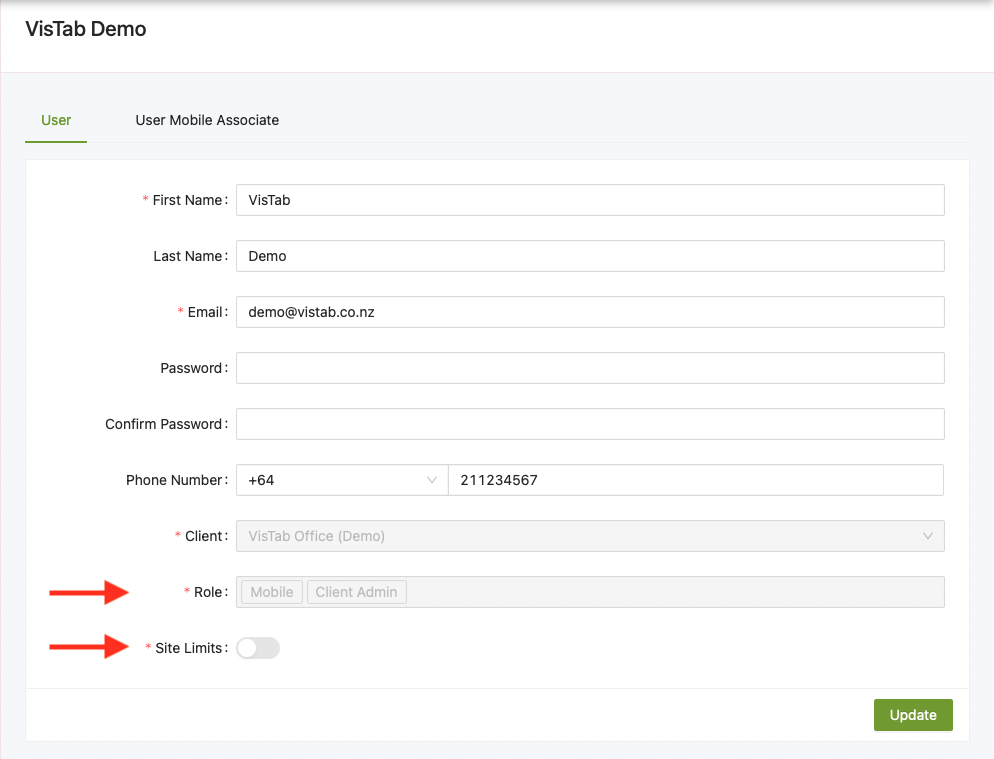
- See under Client which Role(s) you have been assigned
- See under Site Limits which Site(s) you have been assigned
- Slider off = Access to all sites
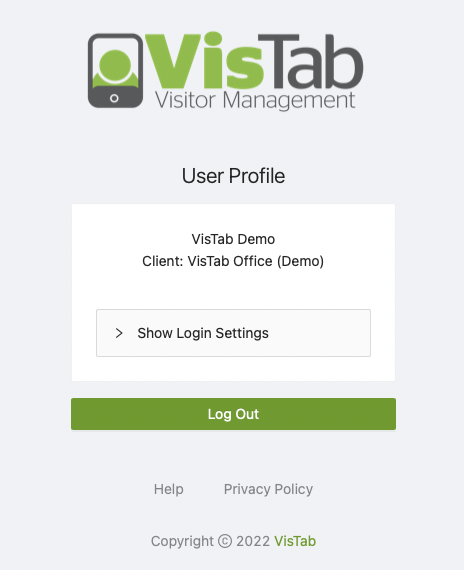
If you log in and you are presented with the following, your Role is Mobile.
As a Mobile User you are restricted to simply changing your password, you can use this password to log into the VisTab Remote App.